

AI PodsTry Now
AI Pods
What is AI Pods?
AI Pods is Genspark's AI podcast generator. Describe what you want in a single prompt, and it turns a topic, document, or link into a podcast episode — researching the content, writing the script, creating the hosts' dialogue, and producing the audio for you.
Learn more about AI Pods: https://www.genspark.ai/blog/genspark-ai-pods
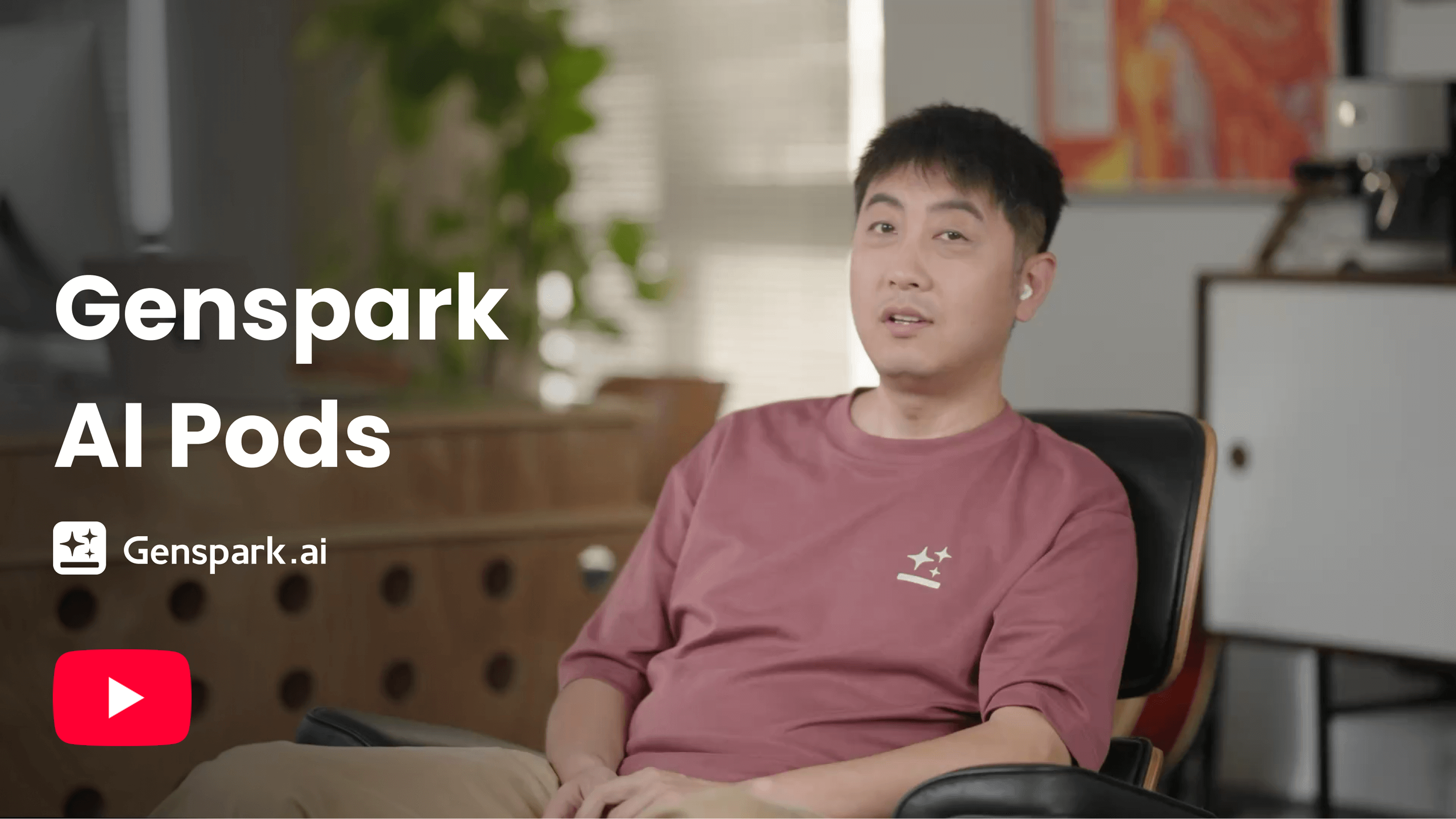
Quick Start
Get started in three steps:
-
Go to AI Pods:
Select "AI Pods" from the "New" menu in the sidebar, or click "All Agents" on the Genspark homepage and find "AI Pods".
-
Tell AI Pods what you want to create:
Sample prompts:
Give me a daily news briefing podcast on today's tech headlines
Create a podcast explaining the research paper I uploaded
Make a workout motivation podcast with upbeat music and commentary
-
Get your podcast:
AI Pods usually generates your episode in 5–15 minutes. Listen to it directly, share the project link, or use Export Audio to save it to AI Drive and download it from there.
Feature & How-To Guides
Podcast Creation
Enter a prompt to create your podcast. AI Pods writes the script and produces the audio automatically — the language, the number of hosts, the length, the style, and whether you want audio or a video podcast are all set in the prompt.
- Style: Describe the tone you want — conversational, educational, entertaining, or professional.
- Editing: After creation, you can regenerate the cover image. To change anything else, create a new podcast with an updated prompt.
What You Can Give It
AI Pods works from what you put in your prompt:
- Upload a document — PDF, DOCX, TXT, and similar document files. AI Pods reads the document and builds the episode around it.
- Paste your text — drop in notes, an article, or any block of text.
- Describe a topic — give it a subject and AI Pods researches it and writes the episode.
- Give it a link — point it at a URL and AI Pods reads the page and turns it into an episode.
Episode Length
You can ask for a duration in your prompt — for example, "make it about 10 minutes".
- The duration is a target, not a fixed setting. AI Pods aims the script at the length you ask for, so the finished episode may be a little longer or shorter.
- Generating an episode usually takes 5–15 minutes.
Speakers
- Episodes use 2 hosts by default, and you can ask for a single host in your prompt. Auto-generated audio supports up to 2 speakers.
- If you ask for 3 or more speakers, AI Pods produces a script without audio, so you can record the dialogue yourself.
Language
The spoken language comes from your prompt — write the language you want the episode in, for example "in Japanese" or "en español". There is no separate language setting.
- Supported languages: 24 languages, including English, Chinese, Arabic, German, Spanish, French, Hindi, Indonesian, Italian, Japanese, Korean, Portuguese, Russian, Dutch, Polish, Thai, Turkish, Vietnamese, Romanian, Ukrainian, Bengali, Marathi, Tamil, and Telugu.
- Name the language explicitly, especially when the topic doesn't make it obvious.
Video Podcast
AI Pods can also produce a video podcast: the same host dialogue paired with visual slides and reference images, plus an automatically generated cover image. Use it when you want something to watch, post, or present rather than only listen to.
- Ask for a video podcast in your prompt.
- Export the video with the same export button — it reads Export Video when your episode has video.
Publish, Share & Export
Once your podcast is ready, you can publish it, share it, or export it.
Publish your podcast:
- Click Publish to share your episode with the Genspark community. You need to be signed in, and publishing is available once the episode has audio. Published episodes can appear on the AI Pods page.
- Publishing takes effect right away — there is no review step.
- To take your episode down, click the Published button to unpublish. It is removed from the published listing; the project stays in your account.
Share your podcast:
- For private sharing, click the Share button in the upper right corner, adjust the permission settings, and share the project link with others.
Export your podcast:
- Export — with an audio episode the button reads Export Audio; it saves your episode to AI Drive, where you download the audio file. If your episode has video, the same button reads Export Video and saves both the audio and the video.
Credits & Cost
AI Pods episodes are billed in credits.
-
Credits, not Free Quota. Audio generation is always billed in credits, even on plans that include Free Quota. See Membership Plans for what Free Quota covers.
-
Cost tracks the script. The longer the episode's script, the more credits it uses, so shorter episodes cost less.
-
Failed audio runs aren't billed. If the audio generation fails, you aren't charged for it. You can ask again in the same project, or start a new episode with a shorter or clearer prompt.
For how credits are counted and charged, see the Credits Guide.
Troubleshooting
My episode has no audio at all.
A few things to check:
- Open the project and check whether generation has finished. If it is still working, give it up to 15 minutes.
- Did audio generation fail? If so, you aren't charged for it — ask again in the same project, or start a new episode with a shorter or clearer prompt.
- Did you ask for 3 or more speakers? See I asked for 3 or more speakers and got a script instead of audio.
I asked for 3 or more speakers and got a script instead of audio.
Auto-generated audio supports up to 2 speakers, so a request for 3 or more returns a script without audio for you to record yourself. Ask for 1 or 2 speakers in the prompt to get an audio episode.
A run failed. What happens to my credits?
If the audio generation failed, you aren't charged for it. Ask again in the same project, or start a new episode with a clearer prompt. For how credits are counted and charged, see the Credits Guide.
The episode came out in the wrong language.
The spoken language follows your prompt, and there is no language setting to check. Create a new episode and state the language explicitly in your prompt — for example, "Create a 5-minute podcast in Japanese about…". See Language.
FAQ
How do I report a problem?
Share the project with our support team, then contact support with the details:
- Open the project and click Share.
- Invite [email protected] by email as a Viewer.
- Email [email protected] with the project link, what went wrong, and your approximate credit balance before and after.
Was this article helpful?